
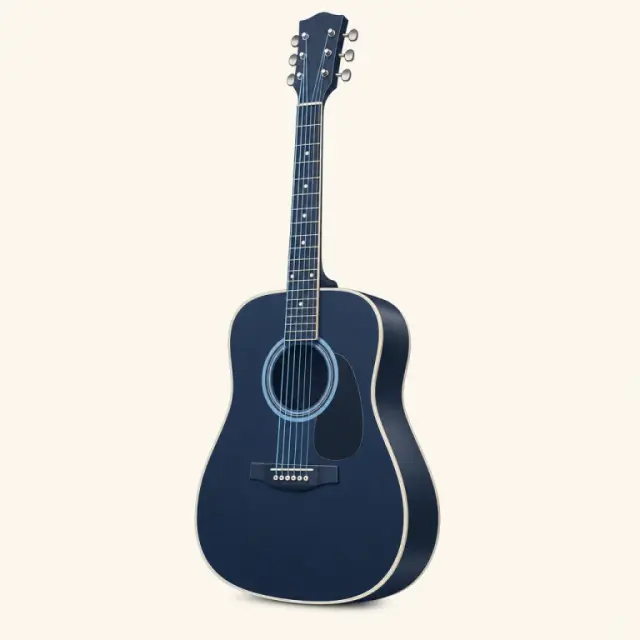
Guitar
E A D G B E
A free guitar chord finder that plays every shape out loud. Pick a root and a chord type, flip through real fingerings and hear them strummed — on guitar, piano, ukulele, bass, mandolin and banjo.
G
G major
Tap a note to hear it on its own.
The guitar chord finder doesn't stop at six strings: pick a chord and compare the easiest shape on all six instruments side by side, then press play on each card.
Guitar
E A D G B E
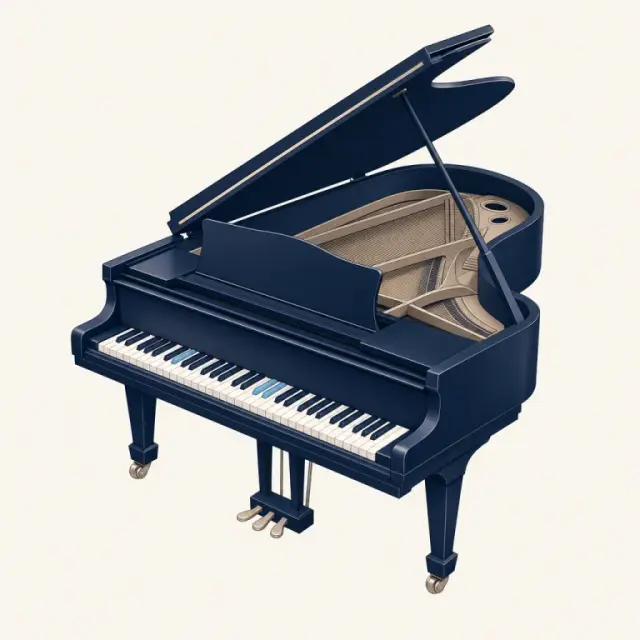
Piano
88 keys
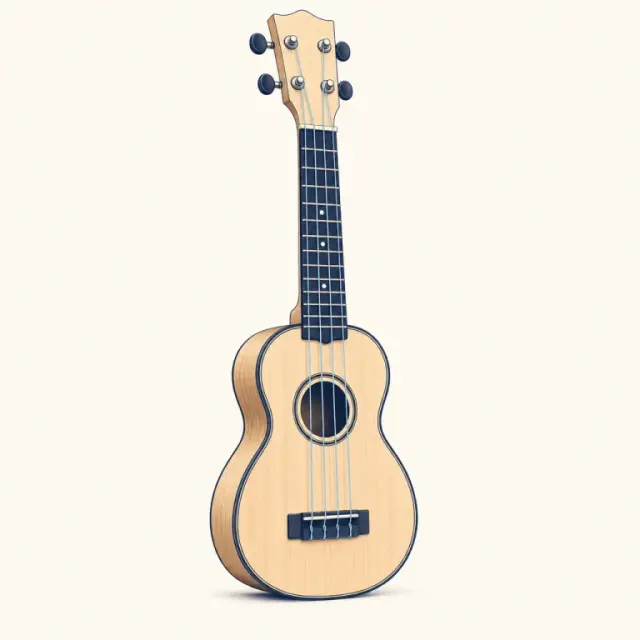
Ukulele
G C E A
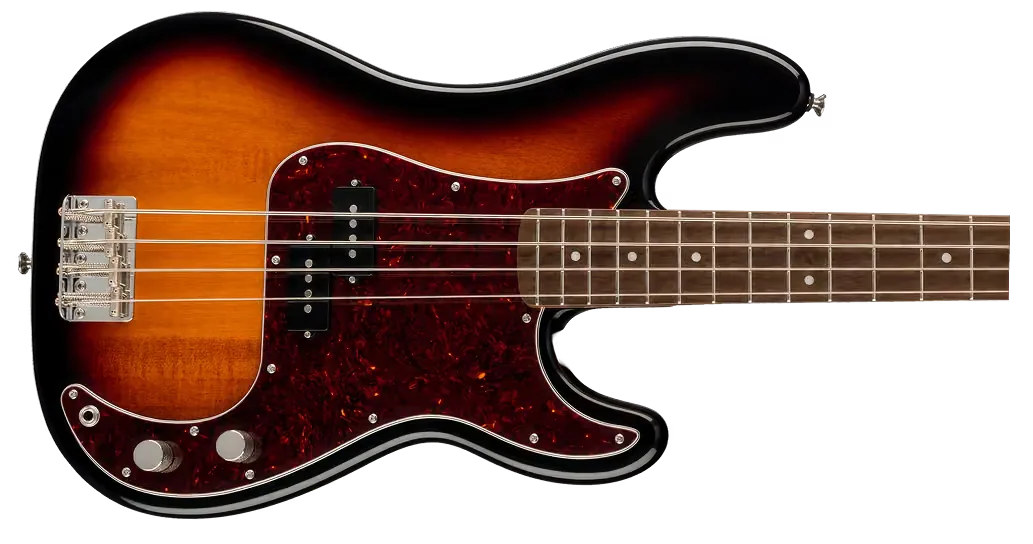
Bass
E A D G
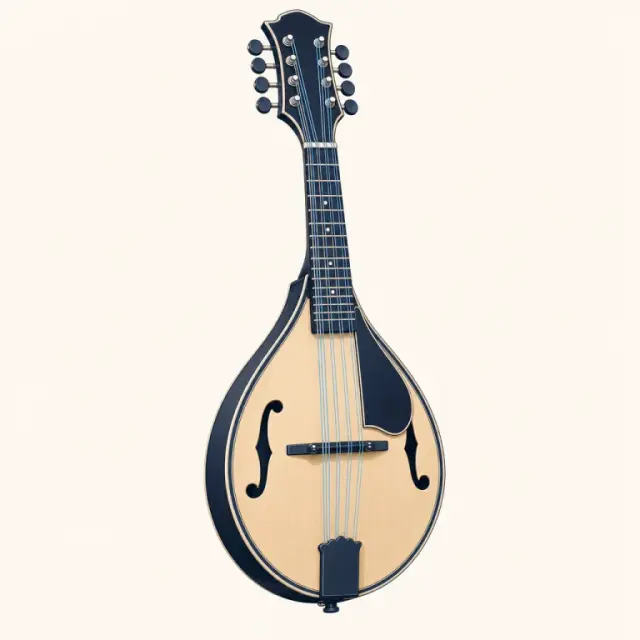
Mandolin
G D A E
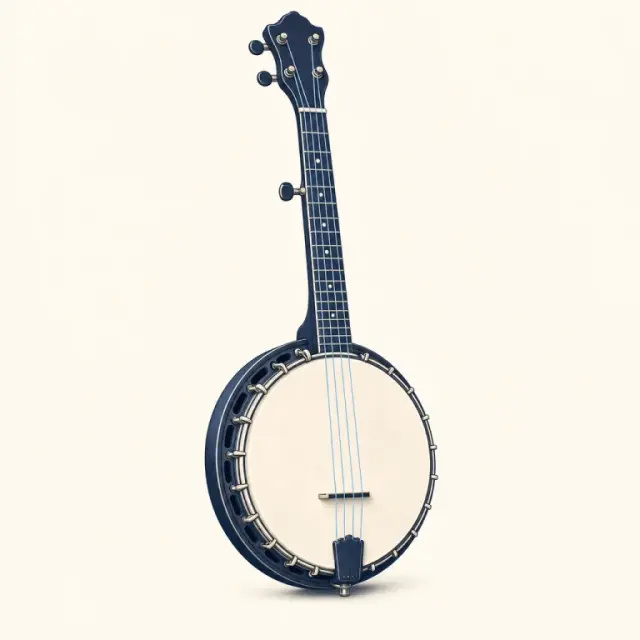
Banjo
g D G B D
It's the guitar chord finder run backwards: tap one fret on each string and this reverse chord finder names the shape, spells its notes and strums it back. Tap a dot again to mute that string.
x32010
Start with the shapes everyone learns first. Tap an orb to hear it, or tap its name to open the full chart with every fingering — or try any of them in the guitar chord finder above.
Pick a genre, press play and watch each chord light up. Open any progression in the generator to change the key or tempo, and look up unfamiliar shapes in the guitar chord finder.
Pop axis
The four-chord loop behind countless pop and rock choruses — bright, familiar and endlessly repeatable.
Sad pop
The pop axis started on the minor chord, giving the same loop a wistful, emotional colour.
'50s doo-wop
The classic 1950s ballad turnaround: tonic, relative minor, then a gentle lift back through IV and V.
Your first three chords or a song at midnight — the same diagrams, sounds and progressions are one tap away. Press play on any tile.

Beginners
Start with G, C and D in the guitar chord finder: big diagrams, finger numbers and a sound check for every strum.
Producers
Audition lo-fi and jazz loops built on sevenths before you program them into your DAW.

Songwriters
Try a progression in any key and hear which chord pulls the chorus home.
Worship teams
Use the guitar chord finder to pick shapes the whole team can play, and check them by ear before rehearsal.
Piano students
See every voicing on the keys with fingering, then hear how it should sound.

Ukulele players
Every uke shape in standard GCEA tuning, with the easiest one first.
No app and no account. The guitar chord finder works the same way for piano, ukulele, bass, mandolin and banjo: choose a chord, look at the shape, listen.
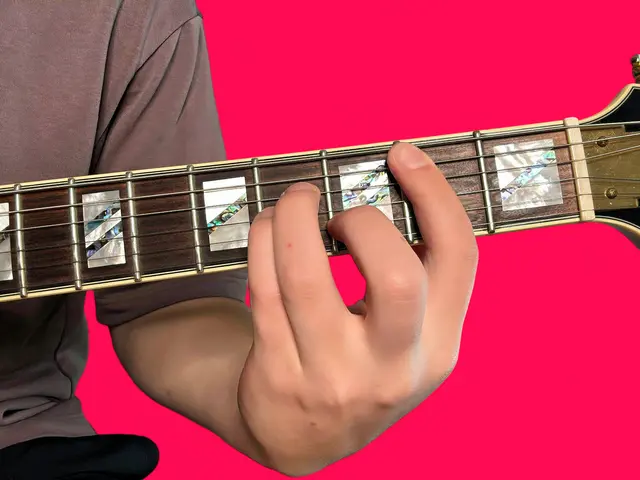
Choose a root note and a type, or tap one of the popular chords. Try the chips on this card.

Diagrams show finger numbers, barres and root notes, with the easiest shape first.

Press play to hear it strummed, picked or held — then play it back on your own instrument.
Once the guitar chord finder has given you the shapes, scales give you the notes to solo with. Each one is drawn on the fretboard and the keyboard; press play to hear it run up and back down.
The five-note scale behind most rock and blues solos. Violet dots mark the root, A; box 1 sits at the 5th fret.
All white keys. The numbers are right-hand fingers: the thumb tucks under after E.
Everything runs in your browser, every tool makes a sound, and none of it needs an account.
The guitar chord finder answers one question at a time; these pages show the bigger picture, and every diagram on them plays out loud.
 252 pages
 120 pagesFree
Still stuck? Most answers are one tap away in the guitar chord finder at the top of the page.
Back to the guitar chord finderPick a root note and a type at the top of the page, or tap a popular chord. The guitar chord finder lists every playable shape, easiest first, with fingers, barres and roots marked — press play to hear it.
Yes. Everything here is free — no trial, no sign-up and no app to install; it runs in any modern browser on your phone, tablet or computer.
Yes — every diagram in the guitar chord finder has a play button, with sampled guitar, nylon-string guitar, piano, bass and banjo sounds, strummed, picked or held.
Browsers only start audio after a tap, so press a play button. On an iPhone, turn off silent mode and check the volume; the first note may take a moment to load.
No. Guitar comes first, but the same charts cover piano, ukulele, bass, mandolin and 5-string banjo. Switch the instrument in the guitar chord finder to compare all six.
Use the Identify tab in the guitar chord finder or the reverse chord finder below: tap one fret per string, or a few piano keys, and the chord identifier names what you're holding, plus any other names the notes fit.
No — the guitar chord finder works from names, frets and keys, not audio. To work a song out by ear, find the bass note, try the major and minor shape on that root, and check your guess with the reverse finder.
In the guitar chord finder, vertical lines are strings (low E on the left) and horizontal lines are frets, with the nut as the thick bar on top. Dots show where to press, × means skip the string, ○ means play it open, and a bar across strings is a barre; 5fr marks the starting fret.
They're fingers: 1 index, 2 middle, 3 ring, 4 little finger — the suggested fingering usually makes the next change easiest. Violet dots mark the root, the note the chord is named after.
The same notes sit in several places on the neck. Open shapes are easiest; barre shapes and higher voicings move up the neck, change the color or stay close to the previous chord.
Start with G, C, D, Em and Am — they cover a huge share of pop, folk and worship songs, and each is a one-tap shortcut in the guitar chord finder. Add E, A and Dm next; leave F until open shapes feel easy.
F is usually the first barre players meet: the index finger holds all six strings at the first fret, and the guitar chord finder lists that full shape first. Until then, play Fmaj7 (xx3210) or a small F on the top four strings (xx3211).
A major chord stacks the root, major third and fifth (C–E–G) and sounds bright; minor lowers the third a half step (C–E♭–G) and sounds darker. A dominant 7th adds a flat seventh (C–E–G–B♭) for tension that wants to resolve. Play all three in the guitar chord finder to hear it.
There's no capo setting yet, but a capo just moves open shapes up the neck: on fret 2, a G shape sounds as A. Look up the shape you'll hold in the guitar chord finder and count one half step per fret.
Not yet — the guitar chord finder uses standard EADGBE tuning. In drop D, shapes that leave the sixth string muted, such as D, Dm or C, still work as written.
Yes. The guitar chord finder and every chord page have a left-handed switch that mirrors the diagrams, so the strings line up as they do on a left-handed guitar.
There's no print layout yet; use your browser's Print or Save as PDF on any chord page. The diagrams are vector graphics, so they stay sharp on paper.
All 12 roots in the most-used types — major, minor, 7th, maj7, m7, sus4 and power chords — each with its own page for guitar, piano and ukulele. The guitar chord finder adds sus2, dim, aug, 6th, 9th, add9 and more: 16 types in all.
Pick two shapes, such as G and C, and switch between them for a minute without strumming, then with a slow, even strum. Keep shared fingers in place. When the change feels easy, play along with a progression above.
Open the guitar chord finder, pick a root and a type, and press play. Free, no sign-up.


